Skip to content
  • Facebook
  • X Platform
  • Instagram
  • Youtube
John C's Place a blog focusing on tech, health, and lifestyle

John C's Place

Tech Reviews, AI Tools & Practical Guides for Working Professionals

  • Home
  • Tech Talk
  • AI Tools
  • Health & Wellness
  • Lifestyle
  • Entertainment
  • Reviews
  • Resources
  • Newsletter
  • Toggle search form
  • Microsoft 365
    Microsoft 365 Price Hike: VPN Removal and New AI Features Spark Controversy Lifestyle
  • BMW M5 Embraces Electrification with Weight Increase
    BMW M5 Embraces Electrification with Weight Increase Lifestyle Insights
  • us dji drone ban what it means for enthusiasts and the future of drone sales
    US DJI Drone Ban: What It Means for Enthusiasts and the Future of Drone Sales Tech Talk
  • Perplexity
    Perplexity launches an AI-driven platform for election information Thoughts
  • Tariffs on gaming products are significantly raising costs for consumers, especially on items imported from China.
    How Tariffs Are Driving Up Gaming Product Prices: What Consumers Need to Know Lifestyle
  • Boox Note Max Digital Notebook and E-Reader
    Unlock Your Productivity: A Comprehensive Review of the Boox Note Max Digital Notebook and E-Reader Lifestyle
  • Beatles
    The Beatles’ last song, enhanced with AI, nominated for a Grammy Lifestyle Insights
  • The Game Boy Camera is Becoming a Terrible Webcam
    The Game Boy Camera is Becoming a Terrible Webcam Entertainment
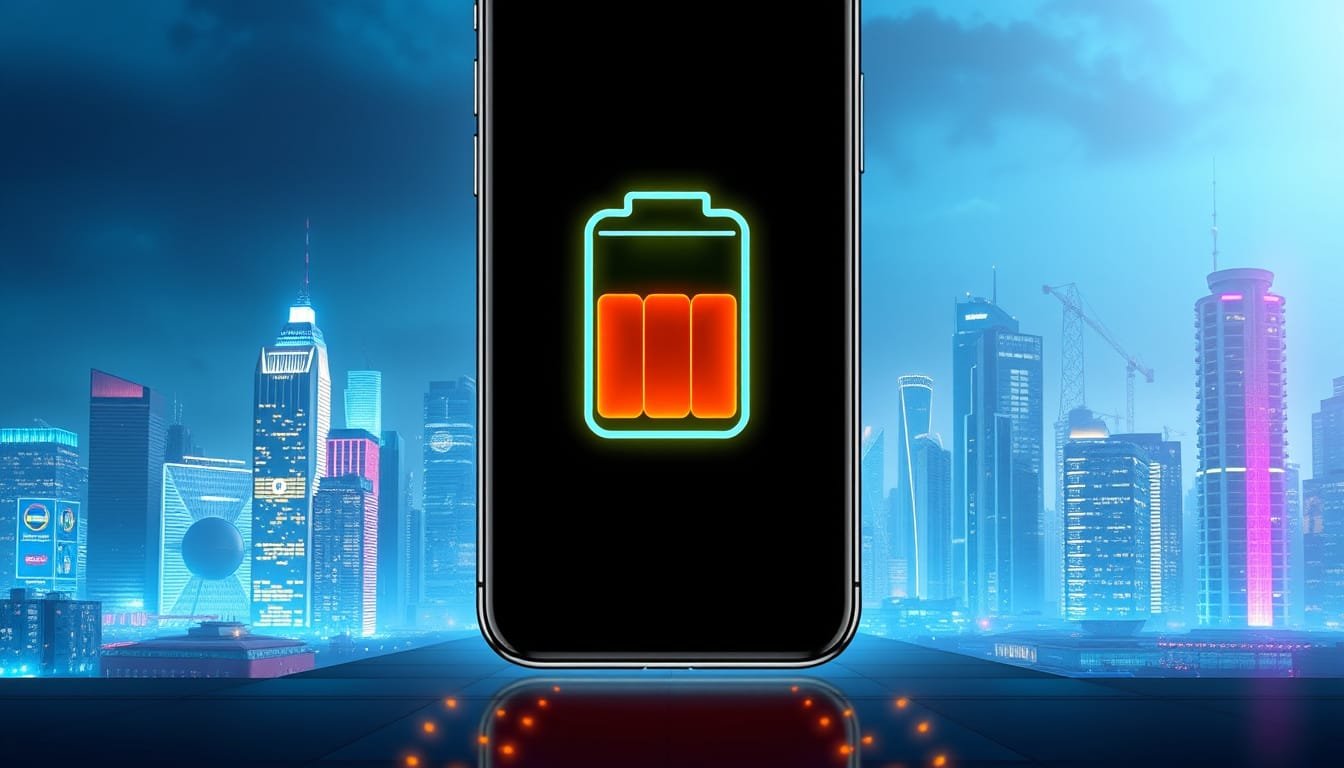
maximize your iphone battery life discover ios 26s adaptive power feature

Maximize Your iPhone Battery Life: Discover iOS 26’s Adaptive Power Feature

Posted on September 26, 2025April 6, 2026 By John Corcione No Comments on Maximize Your iPhone Battery Life: Discover iOS 26’s Adaptive Power Feature

Are you tired of your iPhone battery dying just when you need it most?

With the release of iOS 26, Apple introduces a game-changing feature: Adaptive Power.

This innovative tool promises to maximize your iPhone’s battery life by using artificial intelligence to assess your usage patterns.

Wondering how it works?

When activated, Adaptive Power can slow down processing speeds, dial back brightness by a mere 3%, and limit background activities—all to save your precious juice.

If you’re rocking an iPhone 17, this feature is already doing its magic for you.

For users of iPhone 15 Pro and earlier, don’t miss out!

You’ll need to toggle it on manually through your Settings.

It even automatically kicks in Low Power Mode when your battery dips to 20%.

This feature is revolutionary; while its direct impact is still being measured, users are already thrilled about the potential savings.

Ready to boost your battery life?

Let’s dive into how to enable and customize Adaptive Power.

Try Hostinger Webhosting get a website as low as $3.99!

Maximize Your iPhone Battery Life: Discover iOS 26

Table of Contents

Toggle

  • Key Takeaways
    • Understanding Adaptive Power: How It Works
    • Steps to Enable and Customize Adaptive Power on Your iPhone

Key Takeaways

  • The new Adaptive Power feature in iOS 26 leverages AI to optimize battery usage based on user habits.
  • It automatically activates Low Power Mode at 20% battery, providing an extra layer of conservation.
  • Users of iPhone 15 Pro and earlier must manually enable Adaptive Power in the settings for optimal performance.

Understanding Adaptive Power: How It Works

In the fast-paced world of technology, battery life always tops everyone’s wishlist.

Enter iOS 26’s new feature, Adaptive Power—your smartphone’s new best friend.

With cutting-edge on-device AI, Adaptive Power tailors your iPhone’s performance to conserve juice just when you need it most.

Imagine a digital assistant that knows when you’re binge-watching your favorite series or scrolling through social media, and optimizes functions accordingly.

This nifty feature automatically slows processing speeds, dims your screen brightness by a modest 3%, and curtails unnecessary background activity to help stretch that precious battery life.

Plus, if you’re running low (think 20%), it kicks into Low Power Mode without even asking.

For iPhone 17 users, it’s a seamless experience, but for those with earlier models, you’ll need to dive into your settings to activate it.

Remember, a simple tweak can save you drama during your important calls or gaming sessions.

So, what’s stopping you from maximizing your battery life today?

Tune in to your smartphone’s needs and let Adaptive Power work its magic!

Steps to Enable and Customize Adaptive Power on Your iPhone

To enable and customize Adaptive Power on your iPhone, follow these simple steps: First, head to your Settings app—it’s that silver gear icon on your home screen.

Scroll down and tap on ‘Battery’ (you might recognize this from those frantic moments, checking your battery percentage).

In the Battery section, look for ‘Adaptive Power’ and toggle it on.

Voila!

Now your iPhone is smarter about when to conserve battery.

If you’re using an iPhone 15 Pro or earlier model, this is where you take charge.

You also have the option to receive notifications about Adaptive Power’s activation.

This small addition means you’ll be informed whenever your phone makes adjustments to its performance to save power.

Test it out—watch how your screen dims slightly or how background apps chill out during your Netflix marathons.

This feature doesn’t just prolong your battery life; it’s like giving your iPhone a mini vacation when it needs it most!

Please support us across all platforms! Click here to explore and follow us on our other platforms. Your support helps us grow and continue providing great content.

Lifestyle, Reviews Tags:Health Lifestyle. Reviews, Tech Talk

Post navigation

Previous Post: Explore iOS 26.1 Beta: Exciting New Features Including Apple Music Enhancements and Smartwatch Support!
Next Post: Unlock Ultimate Privacy: How Safari’s New Tracking Protection Features Safeguard Your Browsing Experience in iOS 26 and macOS Tahoe

Related Posts

  • 11th-Gen Kindle Paperwhite
    Grab Your Refurbished Kindle Paperwhite for Under $100: Limited Time Deal on the 11th-Gen eReader! Lifestyle
  • SAMSUNG Galaxy Z Flip 6
    In-Depth Review of the SAMSUNG Galaxy Z Flip 6: Unveiling the Future of Foldable Smartphones Reviews
  • unlock massive savings 17 hot deals you can still grab after prime day 2025
    Unlock Massive Savings: 17 Hot Deals You Can Still Grab After Prime Day 2025 Lifestyle
  • Mastering Time Management
    Mastering Time Management for a Balanced Life Health
  • google unveils pixel 10 release date features what to
    Google Unveils Pixel 10: Release Date, Features & What to Expect! Lifestyle
  • critical android security update what you need to know about february 2025s 47 vulnerabilities
    Critical Android Security Update: What You Need to Know About February 2025’s 47 Vulnerabilities Lifestyle

Related Articles

cookbook review table for two by bre graham perfect dishes for intimate meals and shared moments Cookbook Review: ‘Table for Two’ by Bre Graham – Perfect Dishes for Intimate Meals and Shared Moments Lifestyle
Language Learning Unlocking Language Learning: Google’s Innovative ‘Little Language Lessons’ Takes on Duolingo Lifestyle
discover the top apple watch models of 2026 series 11 se 3 and ultra 3 compared Discover the Top Apple Watch Models of 2026: Series 11, SE 3, and Ultra 3 Compared! Reviews
10 Stealthy Napping Strategies to Boost Workplace Productivity Without Getting Caught 10 Stealthy Napping Strategies to Boost Workplace Productivity Without Getting Caught Lifestyle
The Exciting Future of Gaming The Exciting Future of Gaming: The Impact of AI and VR Technologies Entertainment
snag the panasonic z85 65inch oled tv now for under 1000 45 off with premium features Snag the Panasonic Z85 65-Inch OLED TV Now for Under $1,000 – 45% Off with Premium Features! Lifestyle

Let's engage and leave your comments.Cancel reply

This site uses Akismet to reduce spam. Learn how your comment data is processed.

About John

Senior IT & Telecom PM. 20 years in tech across T-Mobile, JPMorgan Chase, and Citibank. I write about the tools, AI, and practical tech that actually moves the needle for working professionals.

More about me →

Stay In The Loop

New articles on tech, AI, and practical tools — delivered when I publish. No spam.

📚 John Recommends

Audible Free Trial

I listen on my commute. One free book, cancel anytime — no catch.

Start Free Trial →

Affiliate link — I earn a small commission

⌚ John Recommends

Garmin Venu 4

Best health-focused smartwatch I've tested. Sleep, stress, HRV — all solid.

View on Amazon →

Affiliate link — I earn a small commission

💼 Work With Me

Senior IT/Telecom PM & Scrum Master

20 years at T-Mobile, JPMorgan Chase & Citibank. Available for project leadership, consulting, and contract roles.

Get In Touch →

Browse Topics

  • Artificial Intelligence (35)
  • Blog (24)
  • Entertainment (44)
  • Health (9)
  • Lifestyle (143)
  • Lifestyle Insights (11)
  • Mental Wellness (1)
  • Product Reviews (5)
  • Reviews (253)
  • Sports (2)
  • Tech Talk (53)
  • Technology (126)
  • Thoughts (75)
  • Uncategorized (1)
  • AI Ads
    Beware of AI Ads: They’re After Your Attention Span Technology
  • How To Make Money With Artificial Intelligence
    How To Make Money With Artificial Intelligence Artificial Intelligence
  • microsoft ends tpm 20 bypass what you need to know about upgrading to windows 11
    Microsoft Ends TPM 2.0 Bypass: What You Need to Know About Upgrading to Windows 11 Lifestyle
  • Meta
    Meta Reveals its Strategies for Combating ‘Pig Butchering’ Scams Tech Talk
  • Lily 2 Tracker
    Garmin’s Trendy Lily 2 Tracker is Still Discounted by $50 Technology
  • Is your online security truly robust?
    Unlocking Security: Why 2FA/MFA Isn’t Enough & How to Fortify Your Online Protection Lifestyle
  • Echo Show 5
    Certified Refurbished Echo Show 5 (3rd Gen, 2023) Smart Display A Comprehensive Review Reviews
  • NFT's
    Understanding the Rise and Impact of NFT’s in the Digital World Blog

John C’s Place

Tech reviews, AI tools, and practical guides for working professionals. No fluff — just useful content when I publish something worth reading.

Legal

  • Terms of Use
  • Disclosure
  • Affiliate Disclosure
  • Privacy Policy

Copyright © 2026 John C's Place.

Powered by PressBook Premium theme