Skip to content
  • Facebook
  • X Platform
  • Instagram
  • Youtube
John C's Place a blog focusing on tech, health, and lifestyle

John C's Place

Tech Reviews, AI Tools & Practical Guides for Working Professionals

  • Home
  • Tech Talk
  • AI Tools
  • Health & Wellness
  • Lifestyle
  • Entertainment
  • Reviews
  • Resources
  • Newsletter
  • Toggle search form
  • AI in Documentary Filmmaking
    Exploring the Brave New World: AI in Documentary Filmmaking Technology
  • Data Security: Protect Your Digital Assets
    Data Security: Protect Your Digital Assets Technology
  • Student Loan
    Student Loan Collections Restarting: What Defaulted Borrowers Need to Know Before May 2025 Lifestyle
  • Apple Expected to Unveil Dedicated Passwords App Next Week
    Apple Expected to Unveil Dedicated Passwords App Next Week Technology
  • Apple Invites
    Unleash Your Creativity with Apple Invites: The Ultimate Party Planning App for iPhone Users! Lifestyle
  • Spotify, Apple Music, and others, using AI-generated music and fake streaming activity.
    Even Spotify isn’t immune to AI generated clutter Tech Talk
  • how to secure your nvidia rtx 5080 5090 tips to beat resellers and avoid high prices
    How to Secure Your Nvidia RTX 5080 & 5090: Tips to Beat Resellers and Avoid High Prices! Lifestyle
  • unlocking privacy with gptoss the pros and cons of using openais local model
    Unlocking Privacy with gpt-oss: The Pros and Cons of Using OpenAI’s Local Model Artificial Intelligence
microsoft ends tpm 20 bypass what you need to know about upgrading to windows 11

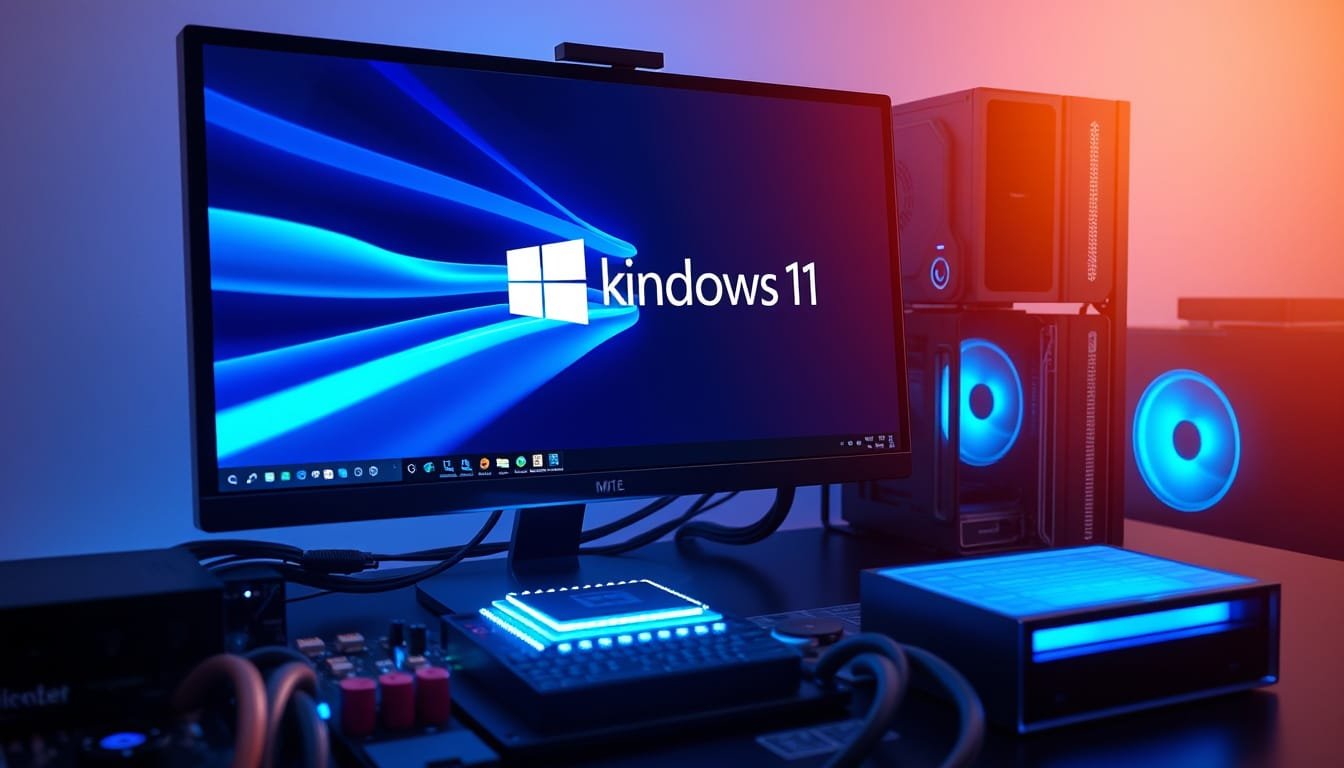
Microsoft Ends TPM 2.0 Bypass: What You Need to Know About Upgrading to Windows 11

Posted on March 9, 2025April 6, 2026 By John Corcione 1 Comment on Microsoft Ends TPM 2.0 Bypass: What You Need to Know About Upgrading to Windows 11

Microsoft has taken a definitive step regarding its security requirements for Windows 1

1.

In a recent update, the tech giant has eliminated instructions that previously allowed users to bypass the TPM
2.0 check on unsupported devices.

This shift is pivotal, especially as Windows 10 nears its end-of-support date on October 14,
2025.

If you’ve been considering upgrading to Windows 11, you might need to rethink your approach.

So, what does this mean for you?

Here’s a breakdown of the critical things you need to know about TPM
2.0, the implications of Microsoft’s change, and what options are left for users who want to stay current with their operating system without breaking the bank.

Let’s dive in!

Try Hostinger Webhosying get a website as low as $3.99!

815d5641 0a67 4726 adb2 ae06f3884c4b2.0 Bypass: What You Need to Know About Upgrading to Windows 11′ style=’display: block; margin: auto; max-width: 100%; height: auto;’>

Table of Contents

Toggle

  • Key Takeaways
    • Understanding TPM 2.0 Requirements for Windows 11
    • Implications of the Support Page Update and Alternatives for Users

Key Takeaways

  • Microsoft has removed methods for bypassing TPM
    2.0 checks, emphasizing strict system requirements for Windows
    11.
  • Users attempting unsupported upgrades to Windows 11 may face warranty issues and lack of future updates.
  • The end of Windows 10 support in 2025 heightens the urgency for users to transition to Windows 11 while adhering to official guidelines.

Understanding TPM
2.0 Requirements for Windows 11

With Windows 11’s release, the new TPM
2.0 requirement
has become a hot topic among users eager to upgrade.

Microsoft’s recent removal of bypass instructions signals a hardline approach—no more unofficial shortcuts!

This means that if your PC lacks TPM
2.0, you’re likely sticking with Windows 10 until its support ends in October
2025.

While some tech-savvy individuals might explore alternative installation methods, beware: these can potentially void your warranty and hinder software updates.

Ask yourself, is the hassle worth it?

Instead of chasing after workarounds, consider these five actionable strategies: 1) Upgrade your hardware for compatibility, 2) Stay informed about Windows 10 support expiration, 3) Explore budget-friendly PCs that meet Windows 11 specs, 4) Check for firmware updates that can enable TPM, and 5) Optimize your existing system to enhance performance while you wait to upgrade.

Remember, treading carefully now can save you a lot of headaches later!

Ready to meet TPM
2.0 head-on?

Implications of the Support Page Update and Alternatives for Users

The implications of Microsoft’s support page update are significant for users looking to upgrade to Windows
11.

By removing the bypass instructions, Microsoft is essentially signaling a new era where unsupported installations are no longer in the spotlight.

What does this mean? For starters, users with outdated hardware without TPM
2.0 are faced with a tough choice: upgrade their hardware or remain on Windows 10 until support runs out.

While some might still seek out shadowy corners of the internet for installation hacks, the warnings are clear—the risk of voiding warranties and missing out on critical updates may not be worth the gamble.

Alternatively, you can keep your system running smoothly with a few simple optimizations.

For example, shutting down unnecessary background applications or upgrading existing components like RAM can revitalise older PCs until you’re ready for the full leap to Windows
11.

Please Support Us Across All Platforms! Click Here to explore and follow us on our other platforms. Your support helps us grow and continue providing great content!


Lifestyle, Reviews Tags:Health Lifestyle. Reviews, Tech Talk

Post navigation

Previous Post: Trump’s TikTok Takeover: Could a Sovereign Wealth Fund Mean State Media?
Next Post: How to Use a Simple Profanity Trick to Banish AI-Generated Results from Google!

Related Posts

  • The Best Sustainable Tech Gadgets in 2024
    The Best Sustainable Tech Gadgets in 2024 Reviews
  • ios 26 developer beta 3 liquid glass design changes spark debate exciting new features
    iOS 26 Developer Beta 3: Liquid Glass Design Changes Spark Debate & Exciting New Features! Lifestyle
  • Tariff Impacts
    Navigating Tariff Impacts: Smart Strategies to Save on Tech Purchases Lifestyle
  • tubebuddy review 2
    TubeBuddy Review Blog
  • Boox Note Max Digital Notebook and E-Reader
    Unlock Your Productivity: A Comprehensive Review of the Boox Note Max Digital Notebook and E-Reader Lifestyle
  • Smart TV
    Top 5 Smart TVs Under $500 for Stunning Home Entertainment Reviews

Related Articles

The Electric State Unveiling ‘The Electric State’: Netflix’s Retro-Futuristic Adventure Hits Screens March 14! Entertainment
unsend your emails outlook recall feature now available on mac Unsend Your Emails: Outlook Recall Feature Now Available on Mac! Lifestyle
why microsoft is phasing out passwords the future of secure signups Why Microsoft is Phasing Out Passwords: The Future of Secure Sign-Ups Lifestyle
revolutionize your photography with pixel 10s ai camera coach Revolutionize Your Photography with Pixel 10’s AI ‘Camera Coach’ Lifestyle
Amazon Fire TV Soundbar Amazon Fire TV Soundbar with Alexa Voice Remote Pro Review Blog
boost your devices security why you need to update to ios 186 now Boost Your Device’s Security: Why You Need to Update to iOS 18.6 Now! Lifestyle

Let's engage and leave your comments.Cancel reply

This site uses Akismet to reduce spam. Learn how your comment data is processed.

About John

Senior IT & Telecom PM. 20 years in tech across T-Mobile, JPMorgan Chase, and Citibank. I write about the tools, AI, and practical tech that actually moves the needle for working professionals.

More about me →

Stay In The Loop

New articles on tech, AI, and practical tools — delivered when I publish. No spam.

📚 John Recommends

Audible Free Trial

I listen on my commute. One free book, cancel anytime — no catch.

Start Free Trial →

Affiliate link — I earn a small commission

⌚ John Recommends

Garmin Venu 4

Best health-focused smartwatch I've tested. Sleep, stress, HRV — all solid.

View on Amazon →

Affiliate link — I earn a small commission

💼 Work With Me

Senior IT/Telecom PM & Scrum Master

20 years at T-Mobile, JPMorgan Chase & Citibank. Available for project leadership, consulting, and contract roles.

Get In Touch →

Browse Topics

  • Artificial Intelligence (36)
  • Blog (24)
  • Entertainment (44)
  • Health (9)
  • Lifestyle (143)
  • Lifestyle Insights (11)
  • Mental Wellness (1)
  • Product Reviews (5)
  • Reviews (253)
  • Sports (2)
  • Tech Talk (54)
  • Technology (126)
  • Thoughts (75)
  • Uncategorized (1)
  • Noise Cancelling Earbuds
    Top 5 Noise Cancelling Earbuds for Immersive Sound Experience Reviews
  • Google Prohibits Ads for Services Offering Deepfake Pornography
    Google Prohibits Ads for Services Offering Deepfake Pornography Technology
  • Student Loan
    Student Loan Collections Restarting: What Defaulted Borrowers Need to Know Before May 2025 Lifestyle
  • unleashing power how the iphone 17 series outshines its predecessors with 33 gpu boost and gamechanging performance
    Unleashing Power: How the iPhone 17 Series Outshines Its Predecessors with 33% GPU Boost and Game-Changing Performance Lifestyle
  • Conquer Your Inbox and Reclaim Your Sanity
    Conquer Your Inbox and Reclaim Your Sanity Tech Talk
  • Beats Studio Buds
    Transform Your Sound Experience: A Deep Dive into Beats Studio Buds’ Noise-Canceling Technology Product Reviews
  • Nintendo
    Nintendo’s New Museum Gift Shop Imposes Purchase Limits Entertainment
  • Ai in Education
    The Importance of AI in Education a Powerful Tool if used Wisely Technology

John C’s Place

Tech reviews, AI tools, and practical guides for working professionals. No fluff — just useful content when I publish something worth reading.

Legal

  • Terms of Use
  • Disclosure
  • Affiliate Disclosure
  • Privacy Policy

Copyright © 2026 John C's Place.

Powered by PressBook Premium theme