Skip to content
  • Facebook
  • X Platform
  • Instagram
  • Youtube
John C's Place a blog focusing on tech, health, and lifestyle

John C's Place

Tech Reviews, AI Tools & Practical Guides for Working Professionals

  • Home
  • Tech Talk
  • AI Tools
  • Health & Wellness
  • Lifestyle
  • Entertainment
  • Reviews
  • Resources
  • Newsletter
  • Toggle search form
  • the ultimate guide to choosing the right apple watch for every age
    The Ultimate Guide to Choosing the Right Apple Watch for Every Age Lifestyle
  • Apple Music vs Spotify:
    Apple Music vs Spotify: Which Music Streaming Service Reigns Supreme in 2025? Lifestyle
  • Apple's $95 Million Settlement
    Apple’s $95 Million Settlement: How to Claim Your Share for Siri Privacy Violations Reviews
  • erase stalkerware a stepbystep guide to securing your phone and safety
    Erase Stalkerware: A Step-by-Step Guide to Securing Your Phone and Safety Lifestyle
  • subscription
    Disney Plus and Hulu no longer offer subscription sign-ups via Apple Tech Talk
  • Elon Musk27s Bold 24974 Billion Bid to Acquire OpenAI A Game Changer for AI and Tech
    Elon Musk’s Bold $97.4 Billion Bid to Acquire OpenAI: A Game-Changer for AI and Tech? Artificial Intelligence
  • Australia Banning 16 yo's
    Australia set to prohibit TikTok, Instagram, and X for those under 16 Tech Talk
  • lyft silver revolutionizing ridesharing for seniors with enhanced features and support
    Lyft Silver: Revolutionizing Ridesharing for Seniors with Enhanced Features and Support Lifestyle
secure your garmin how to activate the new passcode feature for enhanced watch protection

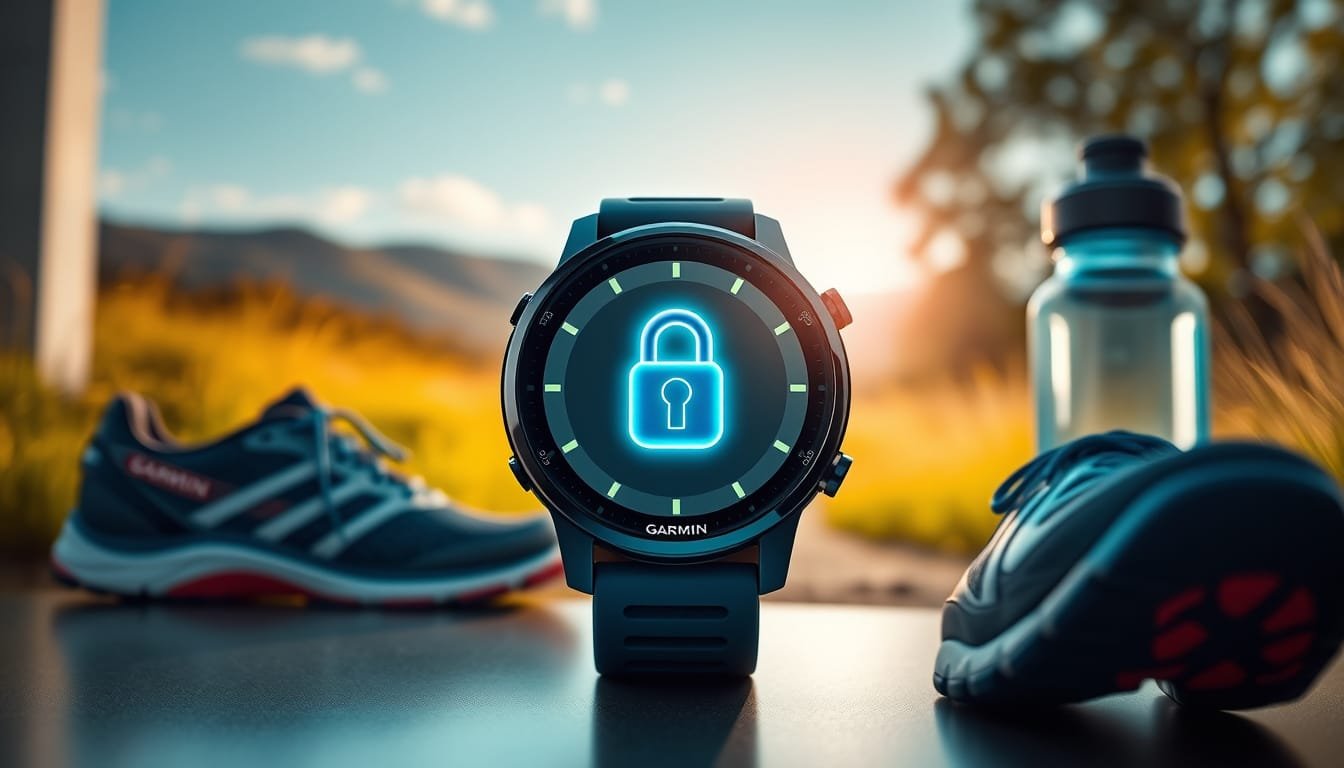
Secure Your Garmin: How to Activate the New Passcode Feature for Enhanced Watch Protection

Posted on May 30, 2025April 6, 2026 By John Corcione No Comments on Secure Your Garmin: How to Activate the New Passcode Feature for Enhanced Watch Protection

Garmin users, listen up!

Looking to safeguard your valuable data?

It’s time to activate the new passcode feature on your Garmin watch.

If you own popular models like the Enduro, Fenix, or Forerunner, this game-changing option is finally here after beta testing, ready to add a layer of security you didn’t know you needed.

Imagine slipping off your watch and knowing all your data is safe, unless you’re using essential features like answering calls and emergency assistance.

This functionality lets you stay connected without risking sensitive information.

Curious about how to enable it?

Simply head to ‘Settings,’ select ‘System,’ and dive into ‘Passcode.’ You can customize when you’re prompted for your passcode, making it as convenient or secure as you like.

Whether you’re training hard or out for a casual walk, remember: it’s not just a watch; it’s your personal data guardian.

Get started today and keep your watch—and your information—secure!

Try Hostinger Webhosting get a website as low as $3.99!

Secure Your Garmin: How to Activate the New Passcode Feature for Enhanced Watch Protection

Table of Contents

Toggle

  • Key Takeaways
    • How to Activate the Passcode Feature
    • Benefits of Using the Passcode for Watch Security

Key Takeaways

  • Garmin now offers a passcode feature to enhance watch security by locking functionalities when not worn.
  • Users can enable the passcode through the ‘Settings’ menu on compatible Garmin models.
  • Basic functions like calls and emergency assistance remain accessible even when the passcode is activated.

How to Activate the Passcode Feature

### Activate Your Passcode in 5 Easy Steps!

Curious about boosting your Garmin watch’s security?

Good news!

Garmin has rolled out a passcode feature for models like the Enduro, Fenix, and Forerunner.

This nifty little option locks your watch when it’s off your wrist, while still letting you access essential features.

Just imagine: you can answer calls or use the flashlight without giving up your data security.

Here’s how to set it up:

1.

Open Settings on your watch.

2.

Go to System.

3.

Tap on Passcode.

4.

Set your desired code.

5.

Choose your preferences—do you want the passcode for every wear or just for your Garmin Pay wallet transactions?

With your passcode activated, activities and settings are locked down, but viewing the watch face remains hassle-free.

This is not just a tech upgrade; it’s peace of mind!

If you want to be ahead of the curve, consider joining Garmin’s beta program for early access to future upgrades.

Secure your watch today—because protecting your data should be smart, not complicated.

Ready to take control?

Benefits of Using the Passcode for Watch Security

Locking your Garmin watch with a passcode offers numerous benefits that go beyond basic security.

With personal data being a hot commodity, safeguarding your workouts, health metrics, and contacts has never been more crucial.

When you lock your watch, you prevent unauthorized access to sensitive information, from your fitness journeys to your Garmin Pay transactions.

Imagine your heart rate data or weekly activity logs being accessed by anyone simply because your watch was off your wrist!

Now, with the new passcode, you maintain control while still enjoying essential functions like viewing the time or using emergency features.

Plus, with intuitive settings to customize how and when you enter your passcode, Garmin makes it simple for you.

Embrace the peace of mind that comes with knowing your data is secure while keeping the conveniences of your device at your fingertips.

Don’t wait—lock your Garmin today for a smarter, safer experience!

Please support us across all platforms! Click here to explore and follow us on our other platforms. Your support helps us grow and continue providing great content.

Lifestyle, Reviews Tags:Health Lifestyle. Reviews, Tech Talk

Post navigation

Previous Post: The Pros and Cons of Adding Weights to REP QuickDraw Adjustable Dumbbells: A Complete Guide
Next Post: Why Brand Loyalty Trumps AI: The Surprising Truth Behind Smartphone Sales in 2025

Related Posts

  • unlock massive savings 17 hot deals you can still grab after prime day 2025
    Unlock Massive Savings: 17 Hot Deals You Can Still Grab After Prime Day 2025 Lifestyle
  • imp tech mini arcade pro review nostalgia meets frustration in retro gaming
    iMP Tech Mini Arcade Pro Review: Nostalgia Meets Frustration in Retro Gaming Reviews
  • unlocking whatsapps exciting new features live photos document scanning more
    Unlocking WhatsApp’s Exciting New Features: Live Photos, Document Scanning & More! Lifestyle
  • Star Wars Battlefront 3
    Unearthed Star Wars Battlefront 3 Footage: A Look Inside the Canceled Wii Game’s Final Days Entertainment
  • Antinote
    Unlock Productivity with Antinote: The Ultimate Mac Notepad Alternative for Modern Note-Taking Lifestyle
  • Nintendo Museum
    Nintendo Museum Opens its Doors October 2nd it’s Awesome! Reviews

Related Articles

unbeatable comfort discover the sony whch720n noise canceling headphones under 100 Unbeatable Comfort: Discover the Sony WH-CH720N Noise Canceling Headphones Under $100! Lifestyle
prepare for windows 10 support ending how to secure your pc with extended updates Prepare for Windows 10 Support Ending: How to Secure Your PC with Extended Updates Lifestyle
Stay Safe Online Discover Microsoft Edge27s New AI Powered Scareware Blocker Stay Safe Online: Discover Microsoft Edge’s New AI-Powered Scareware Blocker! Lifestyle
Nvidia's Game Filters Nvidia’s Game Filters Causing 15% Gaming Performance Drop: Here’s How to Fix It! Entertainment
future iphones what to expect from the iphone air to a foldable iphone and beyond Future iPhones: What to Expect from the iPhone Air to a Foldable iPhone and Beyond! Lifestyle
Unlock Windows 11 on Unsupported PCs Your Ultimate Upgrade Guide Without TPM 20 Unlock Windows 11 on Unsupported PCs: Your Ultimate Upgrade Guide Without TPM 2.0! Lifestyle

Let's engage and leave your comments.Cancel reply

This site uses Akismet to reduce spam. Learn how your comment data is processed.

About John

Senior IT & Telecom PM. 20 years in tech across T-Mobile, JPMorgan Chase, and Citibank. I write about the tools, AI, and practical tech that actually moves the needle for working professionals.

More about me →

Stay In The Loop

New articles on tech, AI, and practical tools — delivered when I publish. No spam.

📚 John Recommends

Audible Free Trial

I listen on my commute. One free book, cancel anytime — no catch.

Start Free Trial →

Affiliate link — I earn a small commission

⌚ John Recommends

Garmin Venu 4

Best health-focused smartwatch I've tested. Sleep, stress, HRV — all solid.

View on Amazon →

Affiliate link — I earn a small commission

💼 Work With Me

Senior IT/Telecom PM & Scrum Master

20 years at T-Mobile, JPMorgan Chase & Citibank. Available for project leadership, consulting, and contract roles.

Get In Touch →

Browse Topics

  • Artificial Intelligence (35)
  • Blog (24)
  • Entertainment (44)
  • Health (9)
  • Lifestyle (143)
  • Lifestyle Insights (11)
  • Mental Wellness (1)
  • Product Reviews (5)
  • Reviews (253)
  • Sports (2)
  • Tech Talk (53)
  • Technology (126)
  • Thoughts (75)
  • Uncategorized (1)
  • Drone Delivery Service
    Revolutionizing Convenience: Wing’s New Drone Delivery Service in Dallas-Fort Worth with DoorDash Entertainment
  • Android Updates
    Exciting Android Updates Ahead: The Android Show Takes Center Stage at I/O 2025! Lifestyle
  • Is your online security truly robust?
    Unlocking Security: Why 2FA/MFA Isn’t Enough & How to Fortify Your Online Protection Lifestyle
  • E-Bike
    E-Bike Charger Safety Alert Technology
  • ios 26 developer beta 3 liquid glass design changes spark debate exciting new features
    iOS 26 Developer Beta 3: Liquid Glass Design Changes Spark Debate & Exciting New Features! Lifestyle
  • Gppg;e Do Not Disturb
    Restore One-Tap Do Not Disturb on Your Google Pixel: Easy Fixes and User Feedback Guide Lifestyle
  • Screenshots
    Ultimate Guide to Taking Screenshots on Android: Explore 5 Easy Methods & Tips! Lifestyle
  • IT professional at a multi-monitor workstation using AI tools including n8n, Cursor, and ChatGPT
    The 7 Best AI Tools for IT Professionals and Project Managers in 2026 Artificial Intelligence

John C’s Place

Tech reviews, AI tools, and practical guides for working professionals. No fluff — just useful content when I publish something worth reading.

Legal

  • Terms of Use
  • Disclosure
  • Affiliate Disclosure
  • Privacy Policy

Copyright © 2026 John C's Place.

Powered by PressBook Premium theme