Apple iOS 18S Enhanced Visual Search: Stunning Tech Or Privacy Risk?
Is your iPhone quietly running your vacation photos through Apple’s servers? Sort of, yes. Apple iOS 18’s Enhanced Visual Search feature scans your photo library looking for landmarks, and it’s been switched on by default since the iOS 18.1 update landed in late October 2024. That single fact is why Apple iOS visual search privacy became a real conversation among security researchers instead of a footnote in Apple’s release notes.
I went back through this piece because the original take needed more than a shrug and a warning. Apple has since published a much fuller explanation of how the feature actually works, and there’s been over a year of scrutiny from people who get paid to poke holes in exactly this kind of claim. So let’s update the record: what Enhanced Visual Search does, how Apple says it protects you, why some people were still annoyed, and what I’d actually do about it.
In this article
- What Enhanced Visual Search actually does
- Apple iOS visual search privacy architecture, explained
- Why people got annoyed anyway
- How to check or turn off the setting
- My take: should you worry?
Apple iOS What Enhanced Visual Search actually does
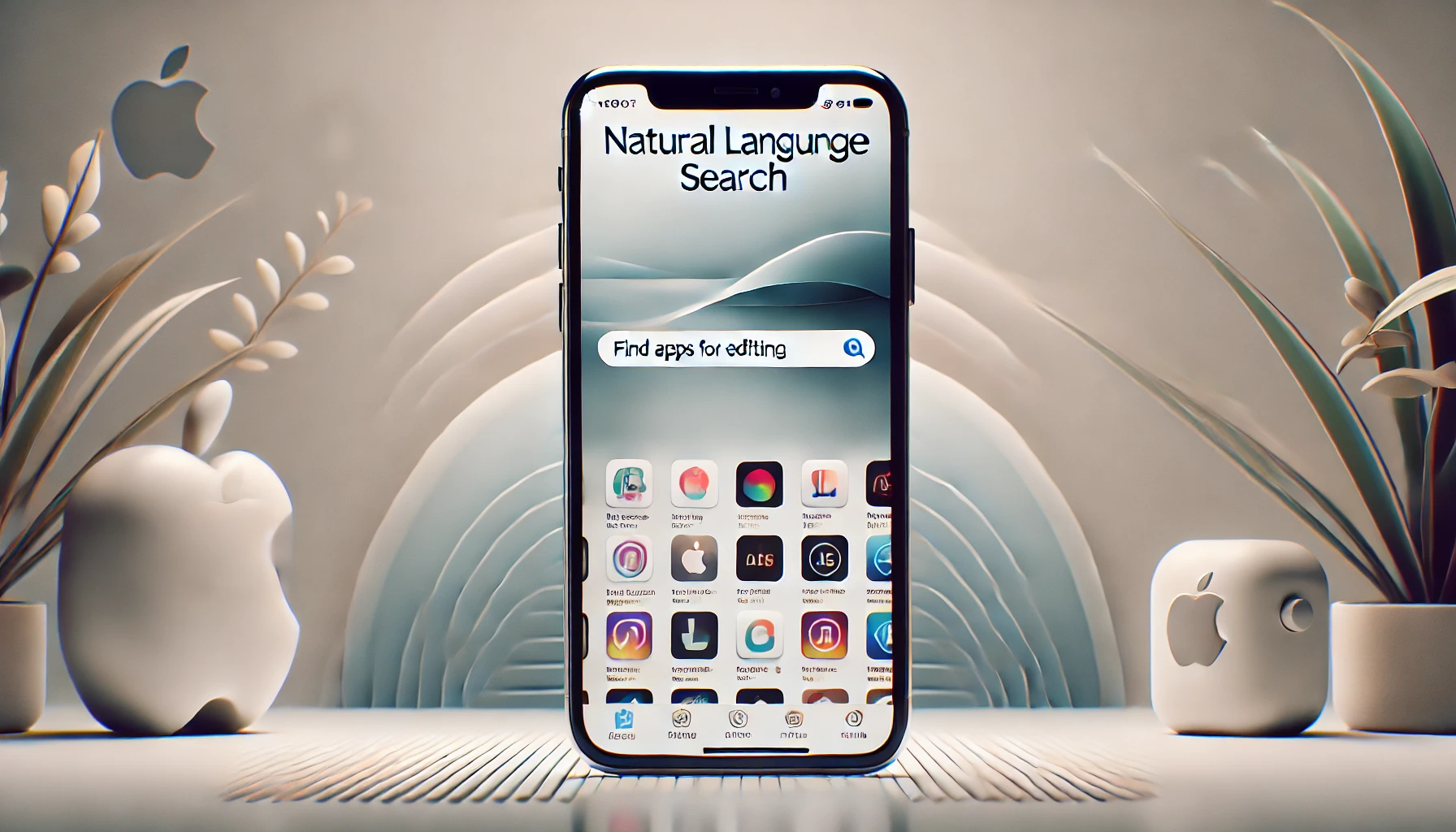
Enhanced Visual Search lets you search your Photos library for landmarks and points of interest, even in photos that never got tagged with GPS data. Type “Golden Gate Bridge” into Spotlight or the Photos app, and it pulls up every shot where that bridge shows up in frame, whether or not your phone knew where you were standing.
Under the hood, an on-device machine learning model scans each photo for a “region of interest” that might contain a landmark. If it finds a candidate, it doesn’t send the photo anywhere. It builds a compressed mathematical fingerprint of that region, called an embedding, and that’s the only thing that ever leaves your device.
Apple iOS visual search privacy architecture, explained
This is the part worth actually understanding instead of skimming past. Apple lays it out in detail in its own Enhanced Visual Search support document, and in more technical depth on its machine learning research blog. Three techniques are doing the work here:
- Homomorphic encryption. Your device encrypts that embedding before it ever touches the network. Apple’s server compares the encrypted embedding against its landmark database and sends back an encrypted result, without ever decrypting your data. Only your device holds the key.
- Differential privacy. Your phone pads its real request with fake decoy requests, so even Apple’s own servers can’t cleanly isolate which query came from which device.
- OHTTP relay. A third-party network, Cloudflare in this case, strips your IP address before the request reaches Apple, so the query can’t be tied back to your device or account even at the network layer.
That’s a genuinely serious cryptographic stack, not marketing fluff. Apple even open-sourced the underlying library, swift-homomorphic-encryption, so outside researchers could kick the tires. If the system works exactly as described, Apple never sees your photo, never sees the landmark it matched, and never learns it was your device that asked.
Apple iOS Why people got annoyed anyway
Here’s the thing about “if it works exactly as described.” Nobody outside Apple can independently verify that in real time, and the company didn’t exactly announce this feature with a press conference. Enhanced Visual Search shipped quietly with iOS 18.1 in October 2024, switched on by default, with no onboarding prompt telling users it existed.
It took developer Jeff Johnson publishing a pair of write-ups in December 2024 before the tech press picked it up in any real volume. The Register ran a piece in January 2025 with a headline that captured the mood pretty well: Apple had auto-opted everyone into having their photos analyzed by AI. MacObserver made a similar point, arguing the default-on toggle sat awkwardly next to Apple’s own “what happens on your iPhone, stays on your iPhone” tagline, a line Apple had used for years to sell people on the idea that its devices just don’t phone home with personal data.
What’s notable is the timeline itself. Apple’s privacy policy document describing the feature is dated November 18, 2024, roughly three weeks after the feature had already been live on people’s phones. The Internet Archive didn’t even have a cached copy of that policy page until late December. So for most of a month, there was functionally no public-facing explanation of what this toggle did or why it existed, just the toggle itself, quietly set to on.
None of the critics I found were arguing the encryption is fake or broken. Nobody produced evidence that Apple was lying about the cryptography. The complaint was about consent, not math. Apple built something legitimately clever and then didn’t tell anyone it had flipped the switch on by default.
That’s a communications and disclosure failure, and it’s the kind of thing that erodes trust even when the underlying engineering is sound. You can build the most privacy-respecting pipeline in the industry and still catch heat if people feel like a decision got made for them in the dark.
Apple iOS How to check or turn off the setting
If you want to see where you stand, it takes about ten seconds:
- On iPhone or iPad: Settings > Apps > Photos, scroll down, and toggle Enhanced Visual Search off.
- On Mac: Open Photos, go to Photos > Settings > General, and uncheck Enhanced Visual Search.
Turning it off doesn’t break anything else in Photos. You just lose the landmark search shortcut, which most people never use on purpose anyway.
My take on Apple iOS: should you worry?
I’ve read Apple’s architecture doc a couple times now, and technically it holds up better than most “trust us” privacy claims tech companies ship. Homomorphic encryption plus differential privacy plus an IP-stripping relay is a lot of engineering effort for a feature most people will never notice, let alone use on purpose. If Apple just wanted your photo data, there are far cheaper ways to grab it than building a novel cryptographic pipeline and open-sourcing part of it for outside researchers to inspect.
That said, “trust the math” and “trust that the company shipped the math correctly, and won’t quietly change it in some future update” are two different asks. The default-on rollout without a heads-up is a legitimate gripe, and it’s the same pattern that got Apple into its $95 million Siri privacy settlement: good intentions undercut by a lack of transparency about what’s actually happening on your device. When you’re the company that spent a decade running “privacy is a fundamental human right” ads, the bar for how you roll out a feature like this is higher than it is for everyone else, and Apple didn’t clear it here.
I also think it matters that the people raising the alarm weren’t cranks. Jeff Johnson has years of credibility writing about macOS and iOS internals, and The Register’s reporting on this didn’t dispute Apple’s cryptography, it just asked why nobody was told. That’s a fair question, and Apple still hasn’t given a great answer beyond quietly updating a support page.
My advice hasn’t changed much since the original version of this piece, but now it’s grounded in more than a gut reaction. Enhanced Visual Search is legitimately well-engineered from an iOS visual search privacy standpoint, probably one of the more carefully built examples of a “send something to the cloud” feature I’ve looked at.
Whether you keep it on is less about the crypto and more about whether you’re comfortable with Apple deciding your default settings for you without asking first. If that bugs you on principle, the toggle takes ten seconds. If it doesn’t, you’re not being reckless by leaving it on. Just go look at the setting once so it’s a choice you made, not one Apple made for you.
Please support our other platforms it helps support the site, Thanks!