Garmin Lifestyle Logging 2026: Setup, Compatible Watches & How It Works
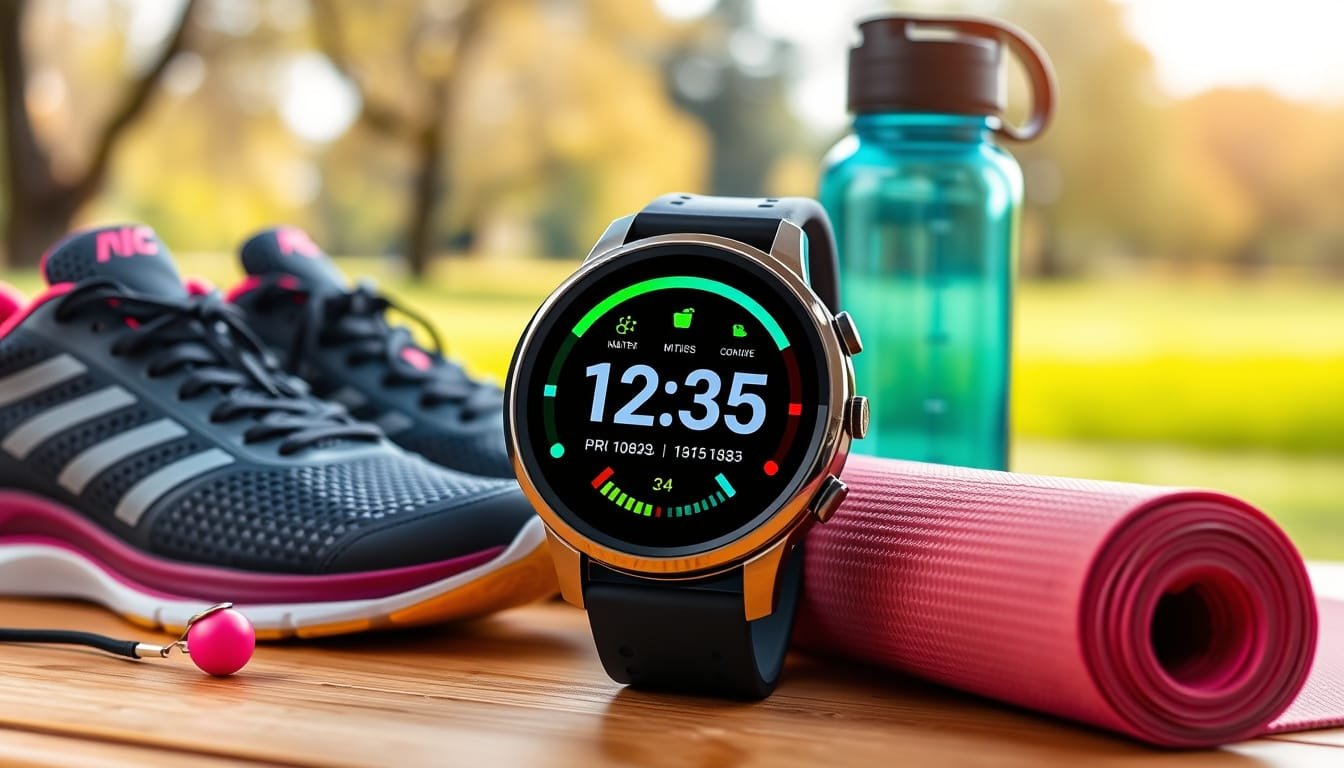
Garmin quietly rolled out one of the most practical health tracking features on a smartwatch — lifestyle logging. If you own an HRV-capable Garmin and have not turned this on yet, you are leaving real health insight on the table. Here is exactly what it does and how to use it.
What Is Garmin Lifestyle Logging?
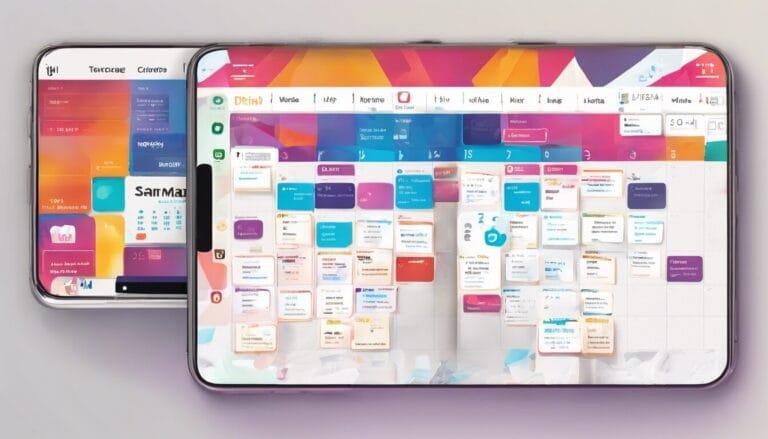
Lifestyle logging is a feature in the Garmin Connect app that lets you manually log daily habits — caffeine, alcohol, medications, sleep aids, stress events — and correlates them against your biometric data like HRV, sleep score, and resting heart rate. The result: you stop guessing why you slept terribly on Tuesday and start seeing data-backed patterns.
Which Garmin Watches Support Lifestyle Logging?
Any HRV-capable Garmin device works with lifestyle logging, including:
- Garmin Venu 4 — launched with this feature, best for lifestyle-focused tracking
- Garmin Forerunner 265 — runners watch with full HRV and lifestyle logging support
- Garmin Fenix 7 series
- Garmin Epix series
- Garmin Vivoactive 5
No compatible watch yet? Browse HRV-capable Garmin watches on Amazon
How to Set Up Lifestyle Logging in Garmin Connect
- Open the Garmin Connect app on your phone
- Tap More then Health Stats then Lifestyle Logging
- Select the habits you want to track — start with 2-3 max
- Enable daily reminders to log consistently
- After 10+ days, check your Lifestyle Report for correlations
Pro tip: You do not need a new watch. Many users with older HRV-capable Garmins already have access in Garmin Connect and do not know it.
What Habits Can You Log?
- Lifestyle — caffeine, alcohol, screen time, hydration
- Self-care — meditation, stretching, cold exposure
- Treatments — medications, supplements
- Sleep-related — sleep aids, late meals, napping
- Life status — travel, illness, high-stress periods
You can also create fully custom entries — useful for intermittent fasting windows, pre-workout timing, or anything specific to your routine.
Garmin Lifestyle Logging vs. Whoop
Whoop has offered journal-style logging for years. Garmin advantage: no subscription required. Whoop charges $30/month. Garmin lifestyle logging is free with any compatible device and the Garmin Connect app. Tradeoff: Whoop data science behind correlations is more mature. For anyone who already owns a Garmin, it is more than enough.
Tips for Accurate Results
- Garmin needs at least 5 positive and 5 negative data points per habit to generate meaningful correlations
- Start with 2-3 habits max — too many variables make patterns unreadable
- Set a daily reminder and log at the same time each evening
- Give it 2-3 weeks before drawing conclusions
The Garmin Venu 4 is the flagship lifestyle-focused option. The Forerunner 265 is the better pick if you also run or train.
What’s New in 2026: Garmin Connect+ and Lifestyle Logging
Garmin launched Garmin Connect+ in 2026, adding a dedicated performance dashboard that surfaces your lifestyle logging data more prominently. Instead of digging through menus, your logged habits and their correlations now appear directly in your weekly health snapshot. If you’ve been using lifestyle logging casually, Connect+ makes the data actually actionable — you can see at a glance whether last Tuesday’s late caffeine hit tanked your HRV overnight.
The Garmin Venu 4 remains the best watch for lifestyle-focused users, but the Forerunner 970 (launched September 2025) also supports full lifestyle logging and is the better pick if you train seriously.
How to Read Your Garmin Lifestyle Logging Results
After 2–3 weeks of consistent logging, Garmin Connect generates a correlation report. Here’s how to interpret it:
- Green correlation: The habit is associated with higher HRV / better sleep scores. Keep it.
- Red correlation: The habit is dragging down your recovery. Common culprits: caffeine after 2pm, alcohol within 3 hours of sleep.
- No data yet: Garmin needs at least 5 positive and 5 negative instances of a habit before it generates a correlation. Keep logging.
- Conflicting data: Normal early on. Individual patterns take 4–6 weeks to become consistent.
The most actionable insight most users find: caffeine timing matters more than caffeine quantity. A single coffee at 7am rarely shows a negative correlation. Coffee at 3pm almost always does.
Garmin Lifestyle Logging vs. Apple Watch vs. Whoop in 2026
| Feature | Garmin | Apple Watch | Whoop |
|---|---|---|---|
| Habit logging | ✅ Full | ❌ None native | ✅ Full |
| HRV correlation | ✅ Yes | ⚠️ Limited | ✅ Yes |
| Subscription required | ❌ Free | ❌ Free | ✅ $30/month |
| Custom habit entries | ✅ Yes | ❌ No | ✅ Yes |
| Connect+ dashboard | ✅ 2026 | ❌ N/A | ✅ Yes |
For anyone already on the Garmin ecosystem, there’s no reason to pay for Whoop. The data depth is comparable for most users, and Garmin’s lifestyle logging is completely free.
Frequently Asked Questions
Does Garmin lifestyle logging work without a new watch?
Yes — any HRV-capable Garmin supports it through the free Garmin Connect app. You do not need the Venu 4 specifically.
Is Garmin lifestyle logging free?
Yes. No subscription required, unlike Whoop which charges $30/month for similar functionality.
How long before Garmin lifestyle logging shows results?
Plan for 2-3 weeks of consistent logging. Garmin needs at least 5 positive and 5 negative data points per habit before generating correlation reports.
What is Garmin lifestyle logging best used for?
Identifying how habits like caffeine, alcohol, and sleep aids affect your HRV, sleep score, and resting heart rate over time. Ideal for anyone optimizing sleep or managing stress.
Can I log custom habits in Garmin Connect?
Yes. Beyond the preset categories, fully custom log entries are supported.
Bottom Line
If you own a Garmin with HRV tracking, lifestyle logging is worth enabling today. Free, takes 60 seconds to set up, and delivers genuinely actionable data after a few weeks. Most people with compatible devices have never touched this feature.
Shop HRV-capable Garmin watches on Amazon