Skip to content
  • Facebook
  • X Platform
  • Instagram
  • Youtube
John C's Place a blog focusing on tech, health, and lifestyle

John C's Place

Tech Reviews, AI Tools & Practical Guides for Working Professionals

  • Home
  • Tech Talk
  • AI Tools
  • Health & Wellness
  • Lifestyle
  • Entertainment
  • Reviews
  • Resources
  • Newsletter
  • Toggle search form
  • why microsoft is phasing out passwords the future of secure signups
    Why Microsoft is Phasing Out Passwords: The Future of Secure Sign-Ups Lifestyle
  • inlineworkerpic scaled
    Must-Have Skills You Need on Your LinkedIn Profile Blog
  • Artificial Intelligence and Government Regulation
    Artificial Intelligence and Government Regulation in 2024 Artificial Intelligence
  • Shelly Wave Range:
    Introducing the Shelly Wave Range: Revolutionizing Home Automation with Z-Wave Long Range Technology Entertainment
  • AI in Documentary Filmmaking
    Exploring the Brave New World: AI in Documentary Filmmaking Technology
  • get ready for the 2026 emoji revolution exciting new icons coming soon
    Get Ready for the 2026 Emoji Revolution: Exciting New Icons Coming Soon! Lifestyle
  • Amazon Fire TV Stick
    Amazon Fire TV Stick 4K with Alexa Voice Remote Pro Review Blog
  • Donald Trump
    Donald Trump announces David Sacks as the ‘White House AI & Crypto Czar’ Tech Talk
unlocking safety how ios 26 revolutionizes parental controls for kids on iphones

Unlocking Safety: How iOS 26 Revolutionizes Parental Controls for Kids on iPhones

Posted on June 17, 2025April 6, 2026 By John Corcione No Comments on Unlocking Safety: How iOS 26 Revolutionizes Parental Controls for Kids on iPhones

Apple’s upcoming iOS 26 update is making waves in the realm of child safety with groundbreaking parental control features.

For all the parents out there, this update promises to be a game-changer in how you manage your children’s interactions on iPhones.

Picture this: your child can’t text or call new numbers without your go-ahead.

That’s right!

iOS 26 will require permission for new contacts, sending parents notifications whenever their little ones want to reach out to someone not already in their contact list.

But that’s just the tip of the iceberg.

Prepare for a leap forward in privacy as parents can now share a broader age range instead of precise birth dates with apps.

This means more personalized content without sacrificing security.

And let’s not forget about the teenagers—those aged 13 to 17 will face tailored restrictions, ensuring they engage with content that’s age-appropriate.

Moreover, the App Store will undergo significant enhancements—think five new age rating categories to help you pinpoint suitable apps for your adolescent.

You won’t have to worry about them stumbling upon inappropriate content; new warnings will guide them, and apps deemed too risqué will be hidden!

Let’s talk about an upgraded ‘Ask to Buy’ feature, allowing kids to request app purchases that exceed their age rating, promoting a responsible approach to spending.

Plus, with enhanced Communication Safety settings, nudity will be blurred in FaceTime and Shared Albums, keeping your child safe from unwanted exposure.

In a world where the digital landscape is constantly evolving, Apple is stepping up to the plate, aligning with regulations while prioritizing our children’s safety—making iOS 26 an essential update for any responsible parent.

Are you ready to take control of your child’s digital experience?

Share your thoughts below!

Try Hostinger Webhosting get a website as low as $3.99!

Unlocking Safety: How iOS 26 Revolutionizes Parental Controls for Kids on iPhones

Table of Contents

Toggle

  • Key Takeaways
    • Introduction to iOS 26 Parental Control Features
    • Enhanced Safety and Privacy Measures for Children

Key Takeaways

  • iOS 26 requires children to seek parental permission before texting new contacts for enhanced safety.
  • Parents can share an age range for content curation, improving child privacy without compromising safety.
  • New App Store classifications and warnings aim to further protect children from inappropriate content.

Introduction to iOS 26 Parental Control Features

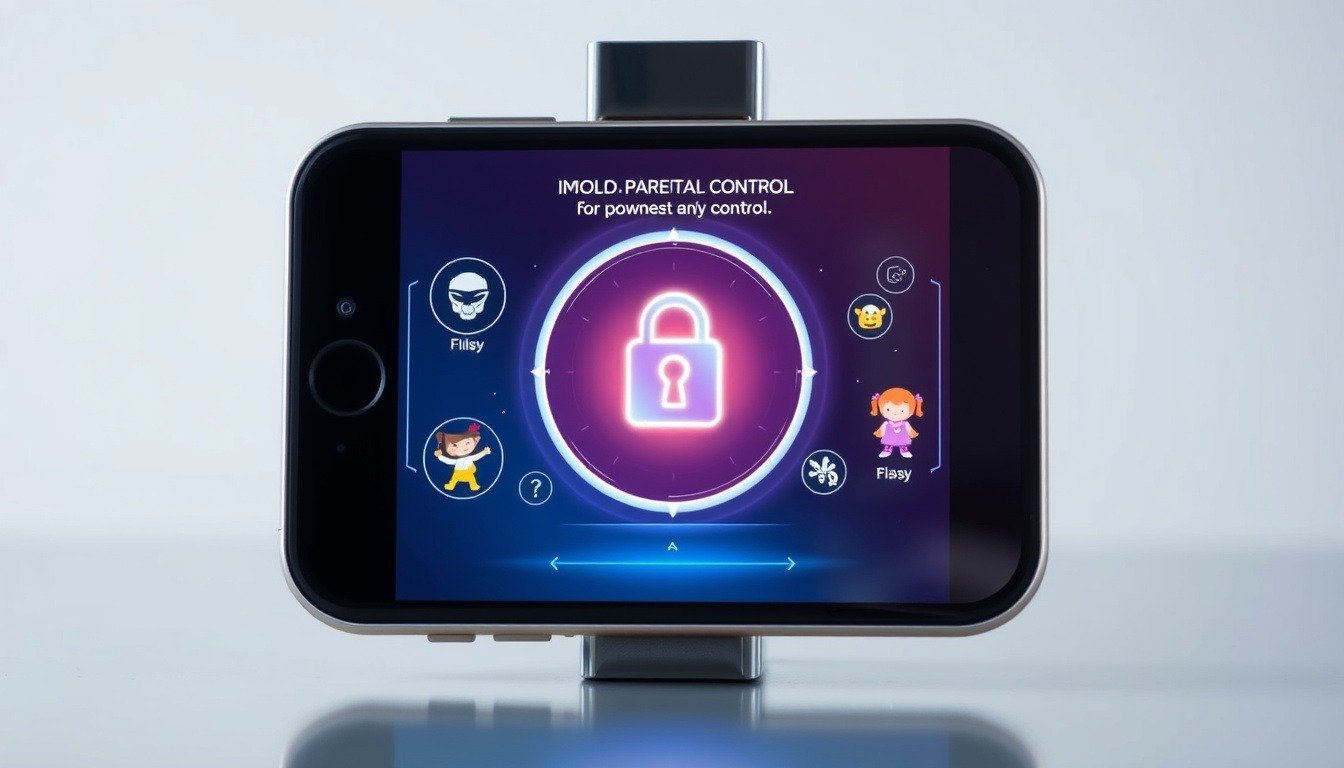
The upcoming iOS 26 update is a game-changer for parents, packed with innovative parental control features.

One standout is the restriction on texting: kids must now get parental approval to message any new contacts.

This means if your child tries to text an unfamiliar number, you’ll receive a request for permission, just like with Screen Time.

This added layer not only promotes communication but also enhances safety.

In a move to tackle privacy concerns, iOS 26 lets parents share a broad age range rather than a specific birth date with apps.

This keeps kids’ information private while still ensuring they access appropriate content.

There’s even automatic age-appropriate limits for teens aged 13 to 17, so they, too, are safeguarded.

Apple is also stepping up its App Store game, expanding age ratings from four to five categories, thus making it easier to find suitable games for your kids.

With these updates, you can breathe easier knowing that technology is finally getting on board with parenting.

Keep an eye out for iOS 26—it’s designed to create a safer and smarter digital environment for your children.

Ready to embrace these features?

Let’s boost your child’s online safety together!

Enhanced Safety and Privacy Measures for Children

In addition to these impressive measures, the iOS 26 update also revamps the ‘Ask to Buy’ feature by enabling children to request purchases that go beyond their age rating.

This means parents can maintain control over spending while still allowing their kids to engage with relevant content.

Enhanced Communication Safety settings also promise to be a game-changer, as they scan and blur explicit nudity in both FaceTime and Shared Albums in Photos.

Imagine easing your worries while your child enjoys video calls and shared memories!

To top it off, the introduction of protective warnings on app store pages alerts parents to potentially harmful content, ensuring you’re always two steps ahead in keeping your child safe.

With iOS 26, Apple is committing to fostering a more secure online experience for families.

So gear up for these upgrades, and let’s make tech safe for the next generation!

Please support us across all platforms! Click here to explore and follow us on our other platforms. Your support helps us grow and continue providing great content.

Lifestyle, Reviews Tags:Health Lifestyle. Reviews, Tech Talk

Post navigation

Previous Post: Why the Steam Deck Outshines Nintendo Switch 2: Comfort, Value, and Game Variety!
Next Post: Threads Introduces Spoiler Alert Feature: Say Goodbye to Unwanted Spoilers!

Related Posts

  • Beats Studio Buds
    Transform Your Sound Experience: A Deep Dive into Beats Studio Buds’ Noise-Canceling Technology Product Reviews
  • transform your nighttime tv experience how tcl qm7s adaptive brightness enhances comfort and clarity
    Transform Your Nighttime TV Experience: How TCL QM7’s Adaptive Brightness Enhances Comfort and Clarity Lifestyle
  • Netflix 'Moments' Feature
    Netflix ‘Moments’ Feature Now on Android: Bookmark Your Favorite Scenes! Entertainment
  • unveiling google gemini 20 faster ai models with enhanced transparency and performance
    Unveiling Google Gemini 2.0: Faster AI Models with Enhanced Transparency and Performance Artificial Intelligence
  • Stay Safe Online Discover Microsoft Edge27s New AI Powered Scareware Blocker
    Stay Safe Online: Discover Microsoft Edge’s New AI-Powered Scareware Blocker! Lifestyle
  • Mac Mini
    Unbeatable Deals on Refurbished M2 Mac Mini: Grab Yours for Just $459.99! Lifestyle

Related Articles

lyft silver revolutionizing ridesharing for seniors with enhanced features and support Lyft Silver: Revolutionizing Ridesharing for Seniors with Enhanced Features and Support Lifestyle
Google Nest Maximize Your Google Nest Experience: 4 Essential Tips for Smart Home Mastery Lifestyle
the pros and cons of adding weights to rep quickdraw adjustable dumbbells a complete guide The Pros and Cons of Adding Weights to REP QuickDraw Adjustable Dumbbells: A Complete Guide Lifestyle
USPS Resumes Shipping from China What New Tariffs Mean for Your Online Purchases USPS Resumes Shipping from China: What New Tariffs Mean for Your Online Purchases Lifestyle
Establishing Boundaries Establishing Boundaries While Working from Home Health
Hollyland Lark M2S Unveiling the Hollyland Lark M2S: A Stylish Upgrade for Wireless Microphone Enthusiasts Reviews

Let's engage and leave your comments.Cancel reply

This site uses Akismet to reduce spam. Learn how your comment data is processed.

About John

Senior IT & Telecom PM. 20 years in tech across T-Mobile, JPMorgan Chase, and Citibank. I write about the tools, AI, and practical tech that actually moves the needle for working professionals.

More about me →

Stay In The Loop

New articles on tech, AI, and practical tools — delivered when I publish. No spam.

📚 John Recommends

Audible Free Trial

I listen on my commute. One free book, cancel anytime — no catch.

Start Free Trial →

Affiliate link — I earn a small commission

⌚ John Recommends

Garmin Venu 4

Best health-focused smartwatch I've tested. Sleep, stress, HRV — all solid.

View on Amazon →

Affiliate link — I earn a small commission

💼 Work With Me

Senior IT/Telecom PM & Scrum Master

20 years at T-Mobile, JPMorgan Chase & Citibank. Available for project leadership, consulting, and contract roles.

Get In Touch →

Browse Topics

  • Artificial Intelligence (35)
  • Blog (24)
  • Entertainment (44)
  • Health (9)
  • Lifestyle (143)
  • Lifestyle Insights (11)
  • Mental Wellness (1)
  • Product Reviews (5)
  • Reviews (253)
  • Sports (2)
  • Tech Talk (53)
  • Technology (126)
  • Thoughts (75)
  • Uncategorized (1)
  • Garmin Forerunner
    Why the Garmin Forerunner 255 and 955 are the Best Budget Fitness Watches to Buy in 2025 Lifestyle
  • AR Vehicle HUD
    AR Vehicle HUD: 5 Incredible Ways This Technology Transforms Your Driving Experience Tech Talk
  • Profanity Trick
    How to Use a Simple Profanity Trick to Banish AI-Generated Results from Google! Lifestyle
  • Google Fiber
    Unlock the Future: Google Fiber Launches Simplified Plans in Huntsville & Nashville! Entertainment
  • LG's 2025 Mini LED QNED Evo TV
    LG’s 2025 Mini LED QNED Evo TVs: Revolutionizing Home Entertainment with Wireless Technology and AI Entertainment
  • forensic tools are only able to extract partial data from these high-tech devices? Let's dive into this conundrum
    A key Forensics Tool is Obtaining only Partial Data from Newer Phones Tech Talk
  • Microsoft
    Microsoft claims it has developed an Xbox game store for Android but is unable to release it Entertainment
  • revive your love for darts with the target darts omni auto scoring system a gamechanger for players
    Revive Your Love for Darts with the Target Darts Omni Auto Scoring System: A Game-Changer for Players! Entertainment

John C’s Place

Tech reviews, AI tools, and practical guides for working professionals. No fluff — just useful content when I publish something worth reading.

Legal

  • Terms of Use
  • Disclosure
  • Affiliate Disclosure
  • Privacy Policy

Copyright © 2026 John C's Place.

Powered by PressBook Premium theme