





Skip to content
  • Facebook
  • X Platform
  • Instagram
  • Youtube
John C's Place a blog focusing on tech, health, and lifestyle

John C's Place

Tech Reviews, AI Tools & Practical Guides for Working Professionals

  • Home
  • Tech Talk
  • AI Tools
  • Health & Wellness
  • Lifestyle
  • Entertainment
  • Reviews
  • Resources
  • Newsletter
  • Toggle search form
  • ultimate guide to setting up your nintendo switch 2 data transfer parental controls virtual game cards
    Ultimate Guide to Setting Up Your Nintendo Switch 2: Data Transfer, Parental Controls & Virtual Game Cards Explained Lifestyle
  • Ban on TP-Link
    US Government Considers Ban on TP-Link: National Security Concerns Over Chinese Cyberattacks Entertainment
  • Project Kuiper to Strengthen Communication Networks
    Taiwan Eyes Amazon’s Project Kuiper to Strengthen Communication Networks Amid China Risks Entertainment
  • Apple's $95 Million Settlement
    Apple’s $95 Million Settlement: How to Claim Your Share for Siri Privacy Violations Reviews
  • unlock massive savings 17 hot deals you can still grab after prime day 2025
    Unlock Massive Savings: 17 Hot Deals You Can Still Grab After Prime Day 2025 Lifestyle
  • unlocking privacy with gptoss the pros and cons of using openais local model
    Unlocking Privacy with gpt-oss: The Pros and Cons of Using OpenAI’s Local Model Artificial Intelligence
  • how to fix imessage activation issues on ios 26 simple steps to get it working again
    How to Fix iMessage Activation Issues on iOS 26: Simple Steps to Get It Working Again! Lifestyle
  • Memorial Day
    Unbelievable Memorial Day Tech Sales: Top 10 Discounts on Gadgets & Gear! Lifestyle
explore ios 261 beta exciting new features including apple music enhancements and smartwatch support

Explore iOS 26.1 Beta: Exciting New Features Including Apple Music Enhancements and Smartwatch Support!

Posted on September 25, 2025April 6, 2026 By John Corcione No Comments on Explore iOS 26.1 Beta: Exciting New Features Including Apple Music Enhancements and Smartwatch Support!

iOS
26.1 Beta Has Arrived: 7 Features You Can’t Miss!

With the world buzzing about the latest updates, it’s time to dive into the iOS
26.1 beta release that’s making waves among Apple fans.

If you thought iOS 26 was impressive, wait until you see what’s in store for this beta version!

From the much-anticipated enhancements in Apple Music to support for third-party smartwatches, Apple’s latest moves are worth a closer look.

Here are seven exciting new features that will make your iPhone experience even better.

Ready for smoother song transitions and smarter calendar management?

Let’s explore how these updates can level up your daily routine!

Try Hostinger Webhosting get a website as low as $3.99!

75ff42c3 b32f 4a24 a492 4eea0e8cb9df26.1 Beta: Exciting New Features Including Apple Music Enhancements and Smartwatch Support!’ style=’display: block; margin: auto; max-width: 100%; height: auto;’>

Table of Contents

Toggle

  • Key Takeaways
    • New Features in Apple Music and Video Playback
    • Expanding Language Support and Smartwatch Compatibility

Key Takeaways

  • iOS
    26.1 introduces significant Apple Music enhancements with a new song navigation feature.
  • The redesigned video playback bar in the Photos app improves user experience with better visibility.
  • Expanded language support and third-party smartwatch compatibility are key highlights of the update.

New Features in Apple Music and Video Playback

### 7 Exciting Apple Music and Video Playback Updates You Can’t Miss!

Apple’s iOS
26.1 is making waves, and while it might seem minor at first glance, it brings significant improvements that enhance your user experience.

Let’s break down the highlights!

1.

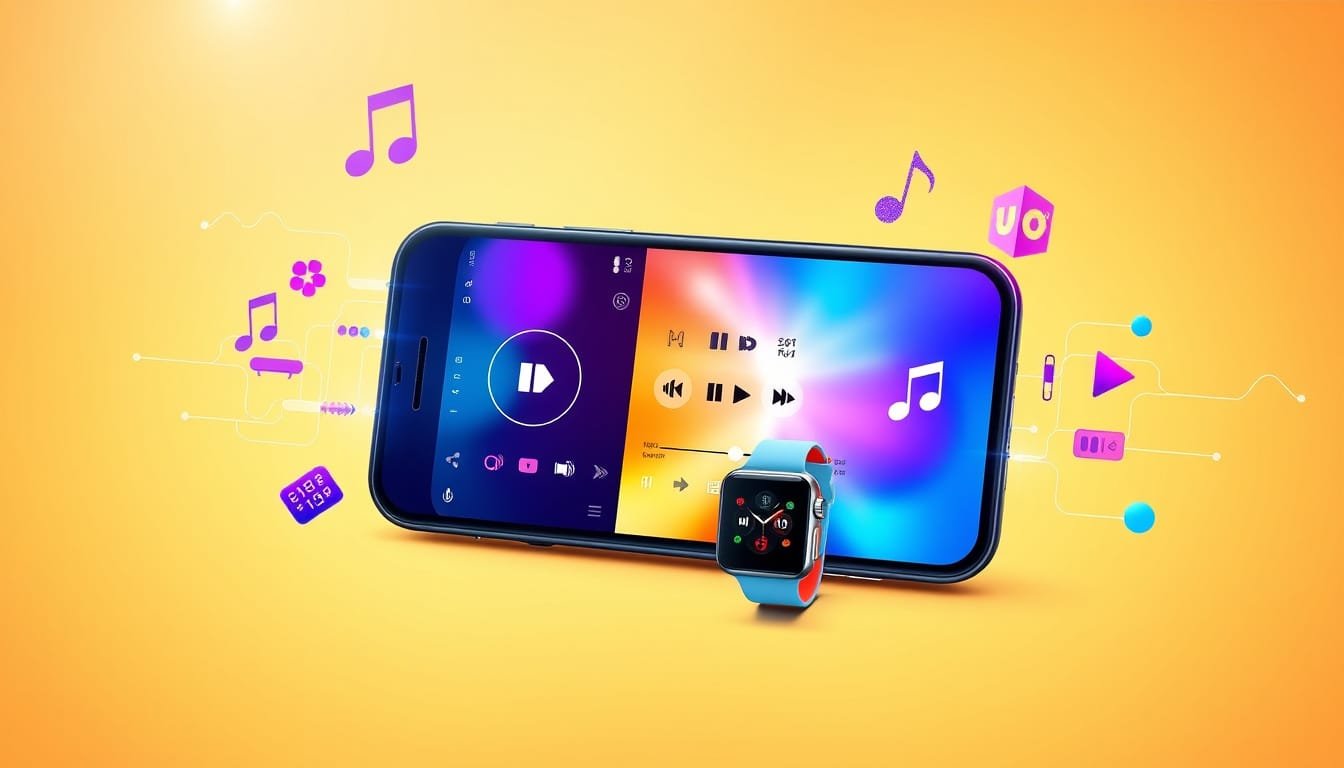
Apple Music Enhancements: Ever wish you could easily move between tracks?

Now, you can simply swipe through the songs in the Now Playing bar!

Think of the time you’ll save not fumbling with the skip button while shaking those hips in your living room.

2.

Revamped Video Playback Bar: The Photos app video playback bar has gotten a makeover.

It’s now clearly separated from the UI, so you won’t lose track of what you’re watching.

3.

Expanded Live Translation: Hello, world travelers!

Live Translation now supports Mandarin, Italian, Japanese, and Korean, making conversations across continents easier than ever.

4.

Smart Language Options: For those with Apple Intelligence, eight new languages — including Danish and Turkish — have been added, ensuring you can ask Siri in your mother tongue.

5.

Liquid Glass Keypad: The new keypad sports a sleek Liquid Glass design.

It looks stunning, but finding keys in light mode might be a tad tricky, so keep your brain on its toes!

6.

Color-coded Calendar Events: Disorganized calendars are a thing of the past!

With color-coded daily events in List view, keeping track of appointments is not just easier, but visually appealing too.

7.

Third-Party Smartwatch Support on the Horizon?: Rumors are swirling about potential support for third-party smartwatches, including features like Notification Forwarding.

If you’re itching to pair your smartwatch with your iPhone, this could be a game changer!

While iOS
26.1 isn’t a monumental update, these user-friendly tweaks can truly enhance the way you interact with your device.

Dive into these features and see how they can simplify your daily routine.

What are you waiting for?

Update your device, embrace these changes, and elevate your Apple experience today!

Expanding Language Support and Smartwatch Compatibility

With iOS
26.1, Apple balances functionality and elegance, enhancing user interaction without overwhelming changes.

The swipe feature on Apple Music transforms your listening experience; it’s like having a personal DJ at your fingertips.

The redesigned video playback bar?

Now you can binge-watch your favorite series without squinting at a cluttered interface.

Plus, the expanded Live Translation opens up a world of communication.

Imagine ordering dim sum in Mandarin or chatting with new friends in Rome—all within your device!

The Liquid Glass keypad adds a sleek touch, but don’t blame your device if you miss a key or two in bright light; it’s all about getting used to the glamour.

As for the color-coded calendar?

Forget double-checking events; just glance at color and you’ll know what’s on!

And if the rumors about third-party smartwatch support are true, your Apple ecosystem could soon feel a lot more integrated.

Ready to give these updates a whirl?

Dive in, and let your device work harder for you!
Please support us across all platforms! Click here to explore and follow us on our other platforms. Your support helps us grow and continue providing great content.

Lifestyle, Reviews Tags:Health Lifestyle. Reviews, Tech Talk

Post navigation

Previous Post: Xbox Price Hike Alert: Save Now Before October 2025 Increases Hit!
Next Post: Maximize Your iPhone Battery Life: Discover iOS 26’s Adaptive Power Feature

Related Posts

  • ios 26 unveils gamechanging features to protect against scam texts your ultimate guide
    iOS 26 Unveils Game-Changing Features to Protect Against Scam Texts: Your Ultimate Guide! Lifestyle
  • Elon Musk and Donald Trump
    Elon Musk and Donald Trump: Inside the Controversial Dinner Hosted by Jeff Bezos Entertainment
  • image 12
    The Importance of Regular Breaks for Productivity and Well-Being Health
  • Apple Music vs Spotify:
    Apple Music vs Spotify: Which Music Streaming Service Reigns Supreme in 2025? Lifestyle
  • Insignia 42 Inch Smart TV
    Unveiling The Insignia 42-inch Smart TV Review Blog
  • microsoft ends tpm 20 bypass what you need to know about upgrading to windows 11
    Microsoft Ends TPM 2.0 Bypass: What You Need to Know About Upgrading to Windows 11 Lifestyle

Related Articles

Apple AR Glasses Apple’s Anticipated AR Glasses Remain a Distant Dream Reviews
Diamond Comics Diamond Comics Distributors Files for Chapter 11 Bankruptcy: What This Means for the Future of Comics Reviews
google unveils pixel 10 release date features what to Google Unveils Pixel 10: Release Date, Features & What to Expect! Lifestyle
CES 2025 Catch the Excitement: Watch AMD’s Keynote Live at CES 2025 on YouTube! Reviews
secure your garmin how to activate the new passcode feature for enhanced watch protection Secure Your Garmin: How to Activate the New Passcode Feature for Enhanced Watch Protection Lifestyle
Google Fiber Unlock the Future: Google Fiber Launches Simplified Plans in Huntsville & Nashville! Entertainment

Let's engage and leave your comments.Cancel reply

This site uses Akismet to reduce spam. Learn how your comment data is processed.

About John

Senior IT & Telecom PM. 20 years in tech across T-Mobile, JPMorgan Chase, and Citibank. I write about the tools, AI, and practical tech that actually moves the needle for working professionals.

More about me →

Stay In The Loop

New articles on tech, AI, and practical tools — delivered when I publish. No spam.

📚 John Recommends

Audible Free Trial

I listen on my commute. One free book, cancel anytime — no catch.

Start Free Trial →

Affiliate link — I earn a small commission

⌚ John Recommends

Garmin Venu 4

Best health-focused smartwatch I've tested. Sleep, stress, HRV — all solid.

View on Amazon →

Affiliate link — I earn a small commission

💼 Work With Me

Senior IT/Telecom PM & Scrum Master

20 years at T-Mobile, JPMorgan Chase & Citibank. Available for project leadership, consulting, and contract roles.

Get In Touch →

Browse Topics

  • Artificial Intelligence (35)
  • Blog (24)
  • Entertainment (44)
  • Health (9)
  • Lifestyle (143)
  • Lifestyle Insights (11)
  • Mental Wellness (1)
  • Product Reviews (5)
  • Reviews (253)
  • Sports (2)
  • Tech Talk (53)
  • Technology (126)
  • Thoughts (75)
  • Uncategorized (1)
  • Telegram CEO Detained
    Telegram CEO Detained in France Technology
  • M4 Upgrade
    Mac Pro and Studio M4 Upgrade Delayed Until Mid-2025: Impact and Advice Technology
  • unleashing creativity apples exciting new emoji feature coming in ios 26
    Unleashing Creativity: Apple’s Exciting New Emoji Feature Coming in iOS 26! Lifestyle
  • Okta Login
    An Okta Login Flaw Allowed Password Bypass for Certain Long Usernames Tech Talk
  • Slack's New iPhone Widgets
    Slack’s New iPhone Widgets Blur the Line Between Work and Personal Time Technology
  • Sonos Takes Transparency to a Whole New Level
    Sonos Uses Trello to Show App Fix Progress Entertainment
  • Is your online security truly robust?
    Unlocking Security: Why 2FA/MFA Isn’t Enough & How to Fortify Your Online Protection Lifestyle
  • Electric Jeep Wagoneer
    Electric Jeep Wagoneer S Trailhawk Concept Hints at Off-Road Capabilities Technology

John C’s Place

Tech reviews, AI tools, and practical guides for working professionals. No fluff — just useful content when I publish something worth reading.

Legal

  • Terms of Use
  • Disclosure
  • Affiliate Disclosure
  • Privacy Policy

Copyright © 2026 John C's Place.

Powered by PressBook Premium theme